 Product Weaver
Get your first map
3 steps, about 10 minutes. Plugin not installed yet? Install it first
Step 1 of 3
Put your transcripts in one folder
Make a new folder and copy your transcripts in: Word (.docx), PDF, .txt or .md. Short on time? Start with 3 to 5. The assistant reads each one in about 1.5 minutes, and you can add the rest later.
No transcripts at hand? Try our 6 sample interviews.
Download the 6 interviews (.zip)Unzip it: you get a folder called bookkeeper-interviews.
No interviews yet? Use an empty folder. You get a guide for your first interviews instead of a map.
Step 2 of 3
Open that folder in your assistant
Click New at the top left. Under the message box, click Project or folder and choose your folder.
The switch at the top of the window must be on Claude, not on Code.
Use the chat that Set up Product Weaver opened. Attach your interview files with the + in the message box.
Closed that chat? Start a new one in Work mode (switch at the top), then attach the files with the +.
Open a terminal in that folder and start your assistant there: claude, codex or copilot.
Step 3 of 3
Paste this and press Enter
Help me get started with Product Weaver.That is all you need to remember. No commands to learn.
What you will see
- Usually 1 quick questionWhether to share usage statistics. There is no wrong answer: your interviews are never sent.
- The assistant readsAbout 1.5 minutes per interview. Keep the app open and the computer awake.
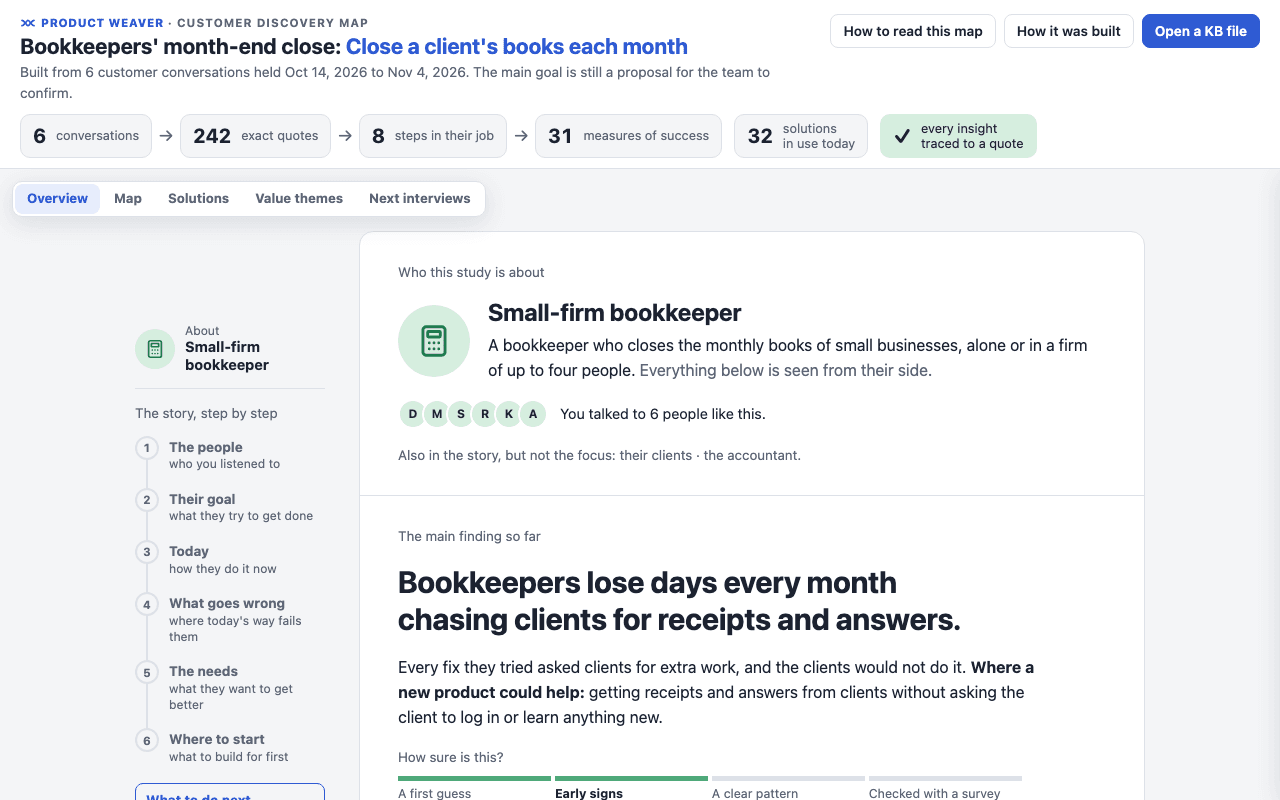
- Your map opensIn your browser. It is saved with your study, and your own files are never changed.
- One next stepThe assistant ends with the one thing to do next, and the words to say.
Stuck?
The assistant does not seem to know Product Weaver.
Start a new chat and ask “Which version of Product Weaver do I have?” An answer with a version number means the plugin is installed. No number? Install it again.
Claude cannot reach my files.
Keep the Claude app open and the computer awake, then say “Try again”. Nothing is lost.
I attached the files. Where is my study?
That works. The study then lives in that chat only. Keep the files the assistant gives you at the end. A folder is better: the study stays on your computer and grows with every round.
I only have recordings.
The plugin reads text. Export the transcript from Zoom, Google Meet or Teams into the folder.
The map did not open, or I closed it.
Double-click pw-output/discovery-map.html in your folder. It works offline. It holds your interviewees' names and words, so share it with care.
Still stuck? Ask your assistant “Which version of Product Weaver do I have, for a bug report?” and paste its answer in the plugin's GitHub Issues.
After your first map
Group the needs into a few themes your team can sort ideas into
Group the needs into value themes.Got more interviews? Put them in the same folder and say
Add my interviews to the study.The whole first study in 5 steps, with pictures: user guide
What it sends and the files it writes: how the plugin works